
11ty and Obsidian Template for Solo Play
A quick intro to pushing out your own solo ttrpg recap website.


Oh what a rabbit hole I just went down, friends. This all started back with the Starforged and Ironsworn campaigns I did for this series a while back. When I was playing those, I was simply storing data inside of an Outline note to keep track of what I was doing.
Turns out, there's a much better way with Obsidian.
I've also been thinking a lot about how I can do my part to help folks make more content for the web on their own websites, rather than on big centralized platforms so this post is going to be a combination of "gush about the Obsidian plugin", "create a starter 11ty template to render the output of that Obsidian plugin", and "how to deploy that rendered site" (using Neocities for this one and pointing to a bunch of other options).

Obsidian for Solo Play in Ironsworn
So, how is all of this possible? The Iron Vault Obsidian plugin!
 cwegrzyn
The plugin itself has a bunch of wonderful features, including the ability to create a character, have the character sheet rendered right in the notebook, and then roll inside of a notebook using your stats.
It's very good for journaling the session and playing it all in one place, nice and streamlined.
To illustrate how this all works, I ported the setup and first session from the Starforged post over into Obsidian. Here's a look at that:

And here's a look at how the move blocks render inside of Obsidian:

But not only can you render nice pretty blocks in the middle of your session summaries, you can also get Iron Vault to roll for you. For example, when you click on a move in that moves sidebar, you are presented with a dialog explaining the move and given the option to make the move:

It's all very convenient and streamlined, letting you focus on the evolving story.
Turning this into a Website
One of the very cool things in Obsidian is that any text thing you make in Obsidian winds up as a Markdown file just sitting on your hard drive somewhere.
What is also cool about this is that there are several static site generators which can take markdown files and turn them into HTML with very little configuration to do so.
One of my favorite ones is 11ty, because it just works and doesn't break every time they do an update. I've been able to revisit an 11ty site years after touching it and the build process still works.

Doing this for Obsidian requires a bit of finagling, which I'd already done in the past to share campaign notes for my regular group. The rabbit hole I just went down was taking that template, cutting it down to its bare bones, and then putting it up as an example for others. The results of that endeavor is:


It's about as bare-bones an implementation as I could get it for the actual "Obsidian to Website" portion of the exercise.
One extra thing that I've done there is to make a makeshift markdown-it plugin which parses out the mechanics blocks that the Obsidian plugin creates. This is actually quite easy to do because the blocks themselves are written in KDL and there are parsers for Javascript. That is then parsed to a nunjucks template and rendered.
You can see the end result winds up looking like this:

Not the prettiest, but I'll make improvements to it as I go.
So, how do we go about deploying it?
Deploying the Site!
There are a ton of different places you can deploy a static site to, and 11ty has a bunch of suggestions.
We're going to go off the board for this one and dig into Neocities:

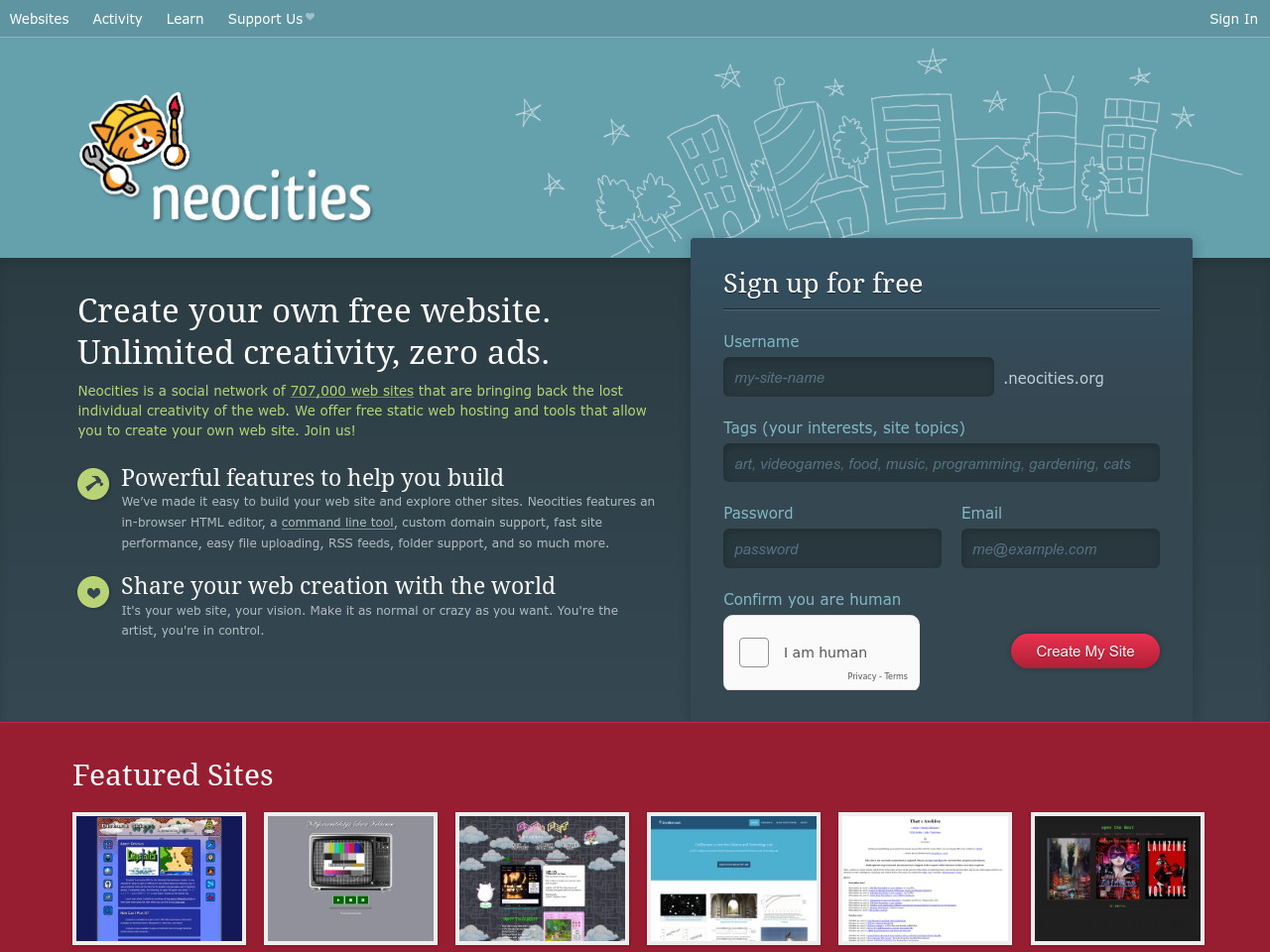
Neocities is something of a "spiritual successor" to Geocities, and has a lot of neat things going for it if you're not super familiar with deploying static sites to hosting providers.
- It's free for one site and 1 GB of data (this is true of many other providers).
- It has a visual file interface, you can drag and drop the files into the editor and it just deploys them.
- It also supports WebDAV so you can sync files that way as well (by mounting them as a folder or via a WebDAV application like Filezilla).
- But only on the paid plan.
- $5/month for multiple sites, custom domains, and a fair number of other features.
The Built Site Resources
You can find more info on how this works in the Gitlab repo, but ultimately 11ty puts the built site files in a .site folder after you run npx @11ty/eleventy. You can simply take the entirety of the .site folder and upload it to Neocities via the built in file uploader.
They also offer a cli uploader tool which lets you do that from the command line or via an automated build process.
What if I want to upload it somewhere else?
11ty is super portable, you can pretty much take the built .site directory and deploy it to any static hosting platform!
Workflow Recap
So, breaking it down, now that I've got a functional site the workflow is basically:
- Do a session in Obsidian, taking notes, making rolls, and linking to documents as normal.
- Run the build process
npm run buildin the parent folder, which produces the.sitedirectory. - Use the Neocities cli to upload:
neocities push .site - Sit back and enjoy a new session update online.
Wrap Up
Hopefully this was helpful for someone out there, if you do give this a try let me know how it goes.
Other Resources
More links!
